

How Should Viera Remote-Work Relocators Compare Internet, Office Space, and Airport Access?
By Carrie Liotta, Space Coast REALTOR® with REAL Broker | Published September 16, 2026
Viera remote-work relocators should verify internet service at the exact address first, choose a floor plan that separates focused work from household noise second, and test the airport-corridor drive third. I would not pay for a larger “office” or a west-versus-east location until those three items work together for the household’s real schedule.
The common mistake is choosing a beautiful flex room and assuming the technology and occasional commute will follow. A listing may say “fiber available,” but that can refer to a neighborhood, provider territory, or nearby street rather than an active connection at the house. A four-bedroom plan may offer more square footage but place the only office beside the kitchen, laundry, bonus room, or pool equipment. And a fully remote job can become hybrid after the move.
Verify the address, not the Viera label
Internet availability can change from one address to another. Start with the FCC National Broadband Map, then confirm service directly with each provider using the exact street address and unit number. The FCC explains that its fixed broadband map shows provider-reported fiber, cable, DSL, satellite, and fixed-wireless availability at location points, along with advertised download and upload speeds. It also provides a challenge process when reported availability is inaccurate.
The map is a screening tool, not a substitute for an installation order. Ask whether the address is serviceable now, whether a construction fee applies, how long installation is expected to take, what equipment is required, and whether the quoted plan is symmetrical or has a much slower upload speed. Remote workers sending large files, editing cloud-based media, hosting video meetings, or using a corporate VPN may care as much about upload stability and latency as headline download speed.
If the seller works remotely, request recent speed-test results from a wired connection as context, but do not treat them as a guarantee. Hardware, Wi-Fi placement, plan tier, network traffic, and the seller’s equipment affect results. During inspections, identify where service enters the home and whether wired connections reach the planned office.
Build a backup before relying on one connection
A strong primary connection is only part of a serious remote-work setup. Ask what happens when service or power fails. Test mobile reception inside the proposed office, not only in the driveway. The FCC’s Broadband Data Collection consumer guide notes that mobile coverage layers represent outdoor or in-vehicle coverage rather than a promise of indoor performance. Concrete block, impact glass, roof materials, and room location can affect the result inside a Florida home.
Depending on the job, a backup may be a phone hotspot, secondary provider, fixed wireless service, battery unit for the modem and router, or an employer-approved coworking option. Confirm corporate security rules before choosing the backup. Some employers restrict public networks or require specific equipment.
Also look beyond internet uptime. A remote office may need surge protection, enough circuits, a place for network hardware, cooling during long workdays, and a safe plan for power interruptions. If prior electrical, low-voltage, or generator work is visible, use the Brevard County permit search as a starting point and verify the applicable jurisdiction and final approvals.
Office separation matters more than a “den” label
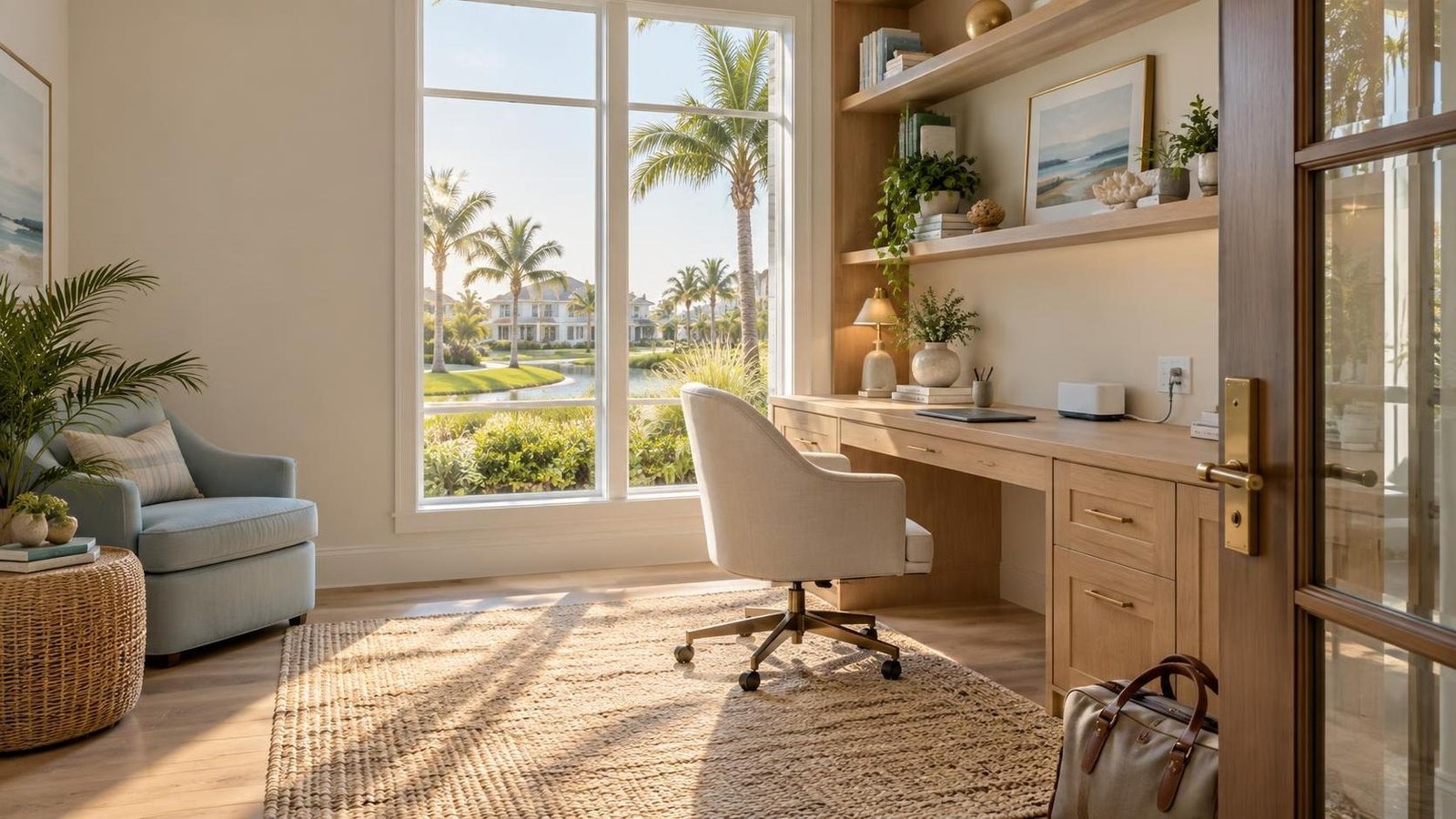
I walk the floor plan during a pretend workday. Where is breakfast happening during the first call? Which wall backs up to the laundry room? Can someone watch television, use the kitchen, enter from the garage, or take a shower without dominating the microphone? Does the office have a door, natural light, a neutral video-call background, and enough wall space for storage?
A true office near the front entry can work well for someone who occasionally meets a client, but it may pick up doorbell and street noise. A bedroom wing can be quieter during the day but difficult when guests stay. A loft offers visual openness but little acoustic privacy. A detached room or casita creates excellent separation, yet it adds questions about cooling, wiring, permits, security, and storm access.
For two remote workers, “one office plus the dining table” is rarely a durable plan if both take calls. Look for rooms on separate walls or floors, or identify a practical conversion before closing. A split-bedroom design can create useful separation, which is one reason my recent guide to split-bedroom layouts for shift-work relocators also helps remote-working households think through sound and privacy.
East Viera, west Viera, or the commercial core?
Viera East generally offers more established resales, mature landscaping, and homes whose actual room use can be observed through prior-owner improvements. That can help a remote worker who wants a finished office, built-ins, shades, and an operating-history file. The tradeoff is that older homes may need wiring, HVAC, windows, roof, or electrical review, and the floor plans were not always designed around two video-call careers.
West Viera offers more recent construction and floor plans that may include studies, flex rooms, lofts, or multigenerational spaces. Those can be valuable, but do not assume “newer” means better acoustics or confirmed fiber. Ask about construction activity, future phases, school and amenity traffic, district assessments, HOA rules, and what window coverings or built-ins are missing from an inventory home.
The mixed commercial and civic area near Stadium Parkway and Wickham Road can reduce the friction of errands, coffee meetings, medical appointments, and services, though “Viera Central” is often used informally rather than as a separate ownership category. My Viera East, Central, and West explanation helps buyers translate those labels before comparing homes.
Test the commute the remote job might become
Remote workers sometimes buy as though they will never commute. I prefer a modest future-proofing exercise. Identify the employer’s office, Melbourne Orlando International Airport, client sites, coworking options, and any aerospace or medical corridor the household may use. Then test the routes at the likely departure and return periods.
Do not use one generic online estimate as a promise. Start from the actual house and include the neighborhood exit, school traffic, I-95 interchange, Wickham Road, and the airport approach. The official Melbourne Orlando International Airport site is the appropriate source for current traveler, parking, airline, and terminal information; the drive itself should be tested in real conditions.
East and west Viera can create different route patterns depending on the workplace. A home that feels farther from an interchange may still perform well for an airport-corridor meeting. A west-side home may offer direct I-95 access but add neighborhood drive time. If two spouses use different interchanges, compare my analysis of a Viera East resale versus Rockledge for split I-95 commutes.
Do not overbuy square footage for one room
A dedicated office has value, but the extra bedroom or larger model may carry a higher purchase price, taxes, insurance, HOA or district obligations, utilities, furnishings, and maintenance. Compare that annual cost with realistic alternatives: a well-insulated flex room, conversion of an underused formal space, a built-in workstation, or occasional coworking.
The reverse mistake is underbuying and planning an addition immediately. HOA restrictions, setbacks, drainage, utility locations, rooflines, pool placement, and permitting can complicate a future office. If the home’s viability depends on enclosing a lanai or adding a detached structure, verify feasibility before the offer rather than calling the project “easy.”
I ask buyers to price five years of ownership. Include the premium for the extra room, likely furnishing and network work, utility impact, commute costs for expected office days, and the resale usefulness of the layout. A legal bedroom with a closet may appeal to more future buyers than a highly customized studio, but a thoughtfully designed office can still strengthen a home’s story when remote and hybrid work are common.
A practical showing test
Bring both laptops if possible. Stand in each proposed workspace and check mobile service. Note electrical outlets, glare, HVAC supply and return, doors, echo, and shared walls. Open the garage, run the laundry, and have someone speak from the kitchen. Imagine school dismissal, a package delivery, landscaping service, and a second person joining a call.
Then ask for internet provider records or account screenshots that do not expose private information, current plan details, network equipment that will remain, and any wiring invoices. Confirm directly with providers rather than relying on the seller’s plan. If the house has structured wiring, locate the panel and determine whether the cables are active and useful.
Which buyer should choose which Viera home?
The established resale is often best for one remote worker who values mature surroundings, a finished office, and a known operating history. Verify systems and wiring rather than assuming the prior setup transfers perfectly.
The newer west-side plan is often best for two remote workers or a household needing separate office and guest functions, especially when the floor plan creates real acoustic distance. Include district assessments, HOA costs, window treatments, and construction activity in the comparison.
A smaller villa or low-maintenance home is often best for a frequent traveler who mainly needs one quiet room and lock-and-leave simplicity. Review parking, guest, exterior-maintenance, generator, and association rules.
A commute-oriented location is often best when “remote” already means several airport-corridor or client-site trips each month. Saving a room is not helpful if every required drive creates avoidable stress.
My before-offer checklist
- Search the exact address on the FCC map and confirm service with providers.
- Compare upload speed, equipment, installation timing, fees, and contract terms.
- Test indoor mobile coverage and identify an employer-approved backup.
- Evaluate office doors, walls, glare, HVAC, outlets, wiring, and household noise.
- Give two remote workers two viable call spaces.
- Test the airport and employer routes at realistic times without treating one result as a guarantee.
- Verify permits for visible electrical, generator, detached-room, or enclosure work.
- Compare the five-year cost of extra square footage with practical alternatives.
- Review HOA and district rules that affect exterior equipment, backup power, parking, and future changes.
Bottom line
The best Viera remote-work home is not automatically the newest house, the fastest advertised connection, or the largest floor plan. It is the property where confirmed address-level service, quiet work separation, backup connectivity, and the occasional real-world commute all support the same household.
If you are relocating to Viera with a remote or hybrid job, I can help you compare the houses as work environments as well as homes. Reach out to Carrie Liotta, Space Coast REALTOR® with REAL Broker, through 321 Coastal Living for a no-pressure conversation. Your next chapter starts here.