

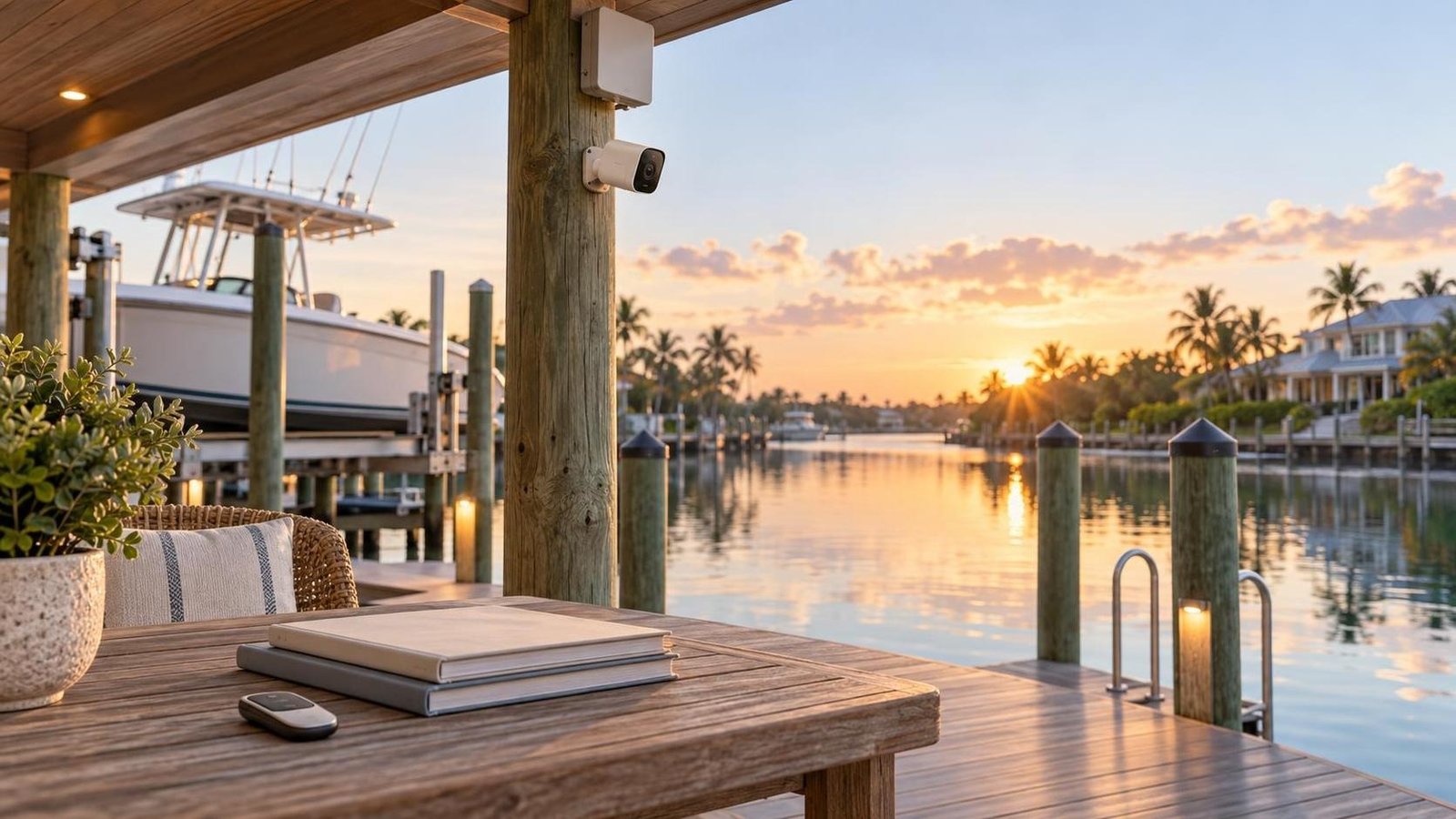
Selling a Merritt Island Waterfront Home With Dock Cameras and Lift Apps? Plan the Digital Handoff
By Carrie Liotta, Space Coast REALTOR® with REAL Broker | Published September 28, 2026
If dock cameras, a Wi-Fi bridge, and the boat-lift remote use separate apps or power supplies, build a device-by-device handoff before listing. Identify what conveys, preserve installation and service records, remove private footage and credentials, confirm transfer procedures, and give the buyer a clean setup path. Never hand over your personal account as the shortcut.
Connected waterfront equipment can make a Merritt Island home easier to monitor and use. It can also produce a messy closing when the camera belongs to one account, the bridge is tied to another email, the lift remote has a local receiver, and a cloud subscription ends with the seller’s credit card. The property file should separate four things: attached hardware, electrical infrastructure, software access, and personal data.
Inventory the physical system first
Walk from the house to the dock and list every component. Include cameras, mounts, Wi-Fi access points or bridges, network switches, power injectors, surge protection, transformers, receptacles, enclosures, lift receivers, handheld remotes, keypads, antennas, cables, and any backup power. Photograph model and serial labels without publishing them in the listing.
For each item, note whether it is attached, leased, subscribed, portable, or excluded. A seller may intend to leave the camera but take the router. A lift remote may convey while the phone app requires a new account. A bridge mounted in the attic or garage may serve both the dock and personal indoor devices. Resolve those overlaps before the contract has to define them under pressure.
I recommend one neutral inventory with columns for location, purpose, power source, network connection, current app, service company, ownership, warranty, and transfer action. Do not put passwords, Wi-Fi keys, alarm codes, recovery codes, or private email addresses in that document.
Separate the app from the equipment
Buyers often assume an app-enabled feature will transfer as easily as an appliance. That depends on the manufacturer. Some systems allow an owner invitation, some require factory reset, some require the seller to release the device from an account, and some keep paid video history or remote functions under a subscription.
Contact each manufacturer or installer before listing and ask for the current ownership-transfer steps. Record whether the seller can initiate transfer before closing, whether the buyer must create an account first, whether settings survive a reset, and whether the device becomes unusable if the seller cancels service too early. Save the support article or written response in the property file.
My comparison of boat-lift remote and dock-camera infrastructure versus a larger tiki area explains why connected equipment can add real utility. That value depends on a future owner being able to operate it without inheriting the seller’s identity.
Protect private footage and household access
Security cameras may contain video of family routines, guests, contractors, neighboring properties, boats, access codes entered nearby, and audio. Decide how cloud and local recordings will be retained or deleted under the manufacturer’s process. Remove memory cards or storage devices that do not convey, and document what remains.
The Federal Trade Commission’s home security camera guidance recommends encrypted connections, current software, strong unique passwords, two-factor authentication when available, and careful permission settings for shared viewing. Those are not just ownership habits; they are the reason a seller should transfer or reset equipment instead of sharing a long-used login.
CISA likewise recommends unique strong passwords, a password manager, and multifactor authentication in its password security guidance. Do not print a master password list for the buyer. Give the buyer model information and setup instructions so they can create new credentials.
Keep the cameras secure during showings
Tell your real estate professional which cameras are active, what areas they cover, and whether audio is enabled. Privacy and recording rules can be fact-specific, so get legal advice if you need it rather than relying on a generic sign or app setting. The practical listing goal is to avoid surprise, protect visitors’ privacy, and prevent private feeds from becoming a sales demonstration.
Do not hand a buyer your unlocked phone to scroll through the dock feed. If monitoring capability matters, use a manufacturer brochure, a neutral screenshot with identifying details removed, or an installer demonstration that does not expose recordings, user lists, network names, or security settings. A camera can be shown as hardware without displaying personal data.
Document the power supplies separately
A connected dock system may stop working because of network range, but it may also fail because a power injector, receptacle, transformer, surge device, or waterfront circuit has deteriorated. Label which power supply serves which device and where it plugs in. Keep service invoices and note replacements.
If low-voltage cabling, dock electrical, lift controls, or enclosures were added at different times, have the relevant professionals review visible condition and records. Buyers should not be left guessing whether the camera cable is abandoned, whether the bridge shares backup power, or whether unplugging one adapter disables the lift receiver.
The property file for a Merritt Island generator, drainage pump, and pool-heater equipment corridor uses the same principle: systems sharing space or power need one coordinated map even when contractors and installation years differ.
Do not let smart features hide waterfront due diligence
A sharp camera image does not verify canal depth, bridge clearance, lift capacity, dock structure, seawall condition, shoreline approvals, or flood exposure. A remote that raises the lift does not prove the motor, cables, cradle, controls, or electrical installation are in good condition. Market the technology as convenience, not as a substitute for waterfront inspection.
Gather dock, lift, electrical, and shoreline records independently. The Florida Department of Environmental Protection’s Environmental Resource Permitting overview identifies docking facilities and attendant structures among activities handled through DEP or water-management processes depending on the project. If cameras, conduit, antennas, or controls were added during larger dock work, match the installation dates and contractor invoices to the appropriate permit history rather than assuming the technology is covered by an old dock approval.
Use the Brevard County permit search as a starting point for county-jurisdiction records and verify the responsible authority for the parcel and scope. Keep technology receipts in the same master file, but do not confuse a retail receipt with a permit or final inspection.
Decide what happens on four key dates
A strong handoff plan names actions by date rather than saying “apps transfer at closing.”
- Before listing: inventory devices, confirm ownership, update firmware through normal manufacturer procedures, remove obsolete shared users, gather transfer instructions, and correct broken or unidentified hardware.
- After contract: tell the buyer what account or subscription they must establish, agree on what conveys, and schedule any installer support without exposing seller credentials.
- Just before closing: export or delete personal recordings as appropriate, remove private users and payment methods, preserve necessary configuration information, and follow the manufacturer’s release or reset sequence.
- After possession changes: confirm the buyer has claimed the devices, then remove the property from the seller’s apps and terminate only the services that no longer support transferred equipment.
The exact sequence varies. Resetting a bridge too early can interrupt lift controls or camera access during the inspection period. Canceling cloud service too late can keep the seller financially or digitally connected after closing. Written manufacturer steps and a closing checklist prevent both.
What to leave for the buyer
Leave equipment manuals, model lists, warranties, installer contacts, neutral network diagrams, power-supply labels, remote pairing instructions, subscription options, and factory-reset or ownership-transfer instructions. If original packaging contains useful QR codes or device identifiers, include it securely at closing rather than photographing it for public marketing.
Do not leave old phones, tablets, memory cards, USB drives, printed passwords, personal email access, or a router that still contains unrelated household credentials unless a specific, secure transfer has been agreed upon. If a dedicated tablet conveys, factory-reset it and let the buyer configure it under their account.
List every handheld lift remote and spare. Replace weak batteries, but do not promise range beyond what the manufacturer states or what the buyer can test. Explain which features require internet service and which have local controls when the network is down.
How this affects price and buyer confidence
Connected equipment rarely returns its original cost dollar for dollar. Its value is practical: the buyer can monitor the dock, confirm the boat is secure, operate supported controls, and understand failures without rebuilding the system from scratch. That value falls quickly when the hardware is obsolete, subscriptions are unclear, or no one knows which adapter powers which device.
A complete handoff file also protects the seller from overpromising. Instead of saying “watch and control everything from anywhere,” say what the installed devices are designed to do, identify the services they require, and let the buyer verify current features. Manufacturers can change plans and software. The listing should not guarantee future cloud functionality.
Physical waterfront records remain just as important. My article on organizing mangrove, shoreline-light, and kayak-rack records shows how environmental, structural, and lifestyle features can be presented together without blending their approvals.
My seller checklist
- Identify every camera, bridge, receiver, remote, power supply, account, and subscription.
- State what is attached, owned, financed, leased, portable, excluded, or scheduled to convey.
- Save installation, service, warranty, permit, and support records.
- Remove obsolete users and review firmware, encryption, password, and multifactor settings.
- Protect or delete personal video according to manufacturer guidance and your legal obligations.
- Confirm each manufacturer’s transfer or reset procedure before contract deadlines.
- Map device power and network dependencies.
- Keep private credentials and device identifiers out of marketing materials.
- Coordinate the release sequence with closing and possession.
Bottom line
Dock cameras, a Wi-Fi bridge, and a lift remote can strengthen the ownership story of a Merritt Island waterfront home, but only when the digital and physical systems are ready for a new owner. The seller should transfer equipment, not identity; useful records, not private footage; and a verified setup path, not a handwritten password.
I help Merritt Island sellers turn complicated waterfront features into a clear property file before buyers and inspectors arrive. Reach out for a no-pressure conversation about selling your Brevard County waterfront home with Carrie Liotta, Space Coast REALTOR® with REAL Broker. Your next chapter starts here.